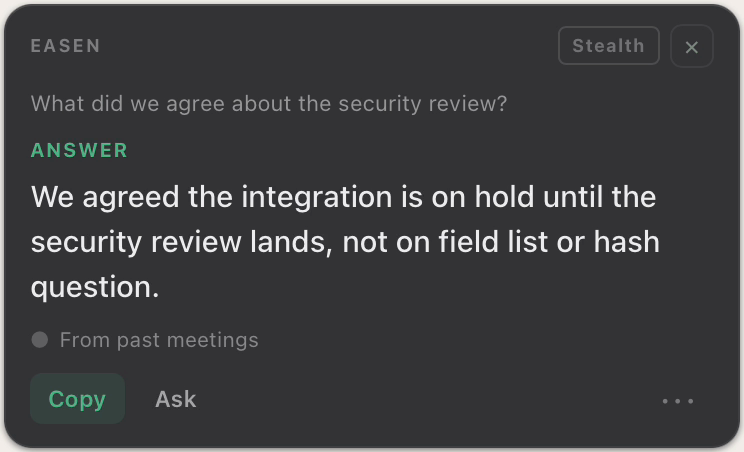
Briefings
Know what's still open, before you say hello.
Type who you're meeting and Easen shows what you agreed last time, what each of you still owes, and where to focus.
Free for 7 days. No card needed.
Before the meeting
Five minutes before the call. You're already ready.
Without Easen
- Search your inbox for the last thread
- Reread a page of old notes
- Try to remember who promised what
- Walk in and hope it comes back
With Easen
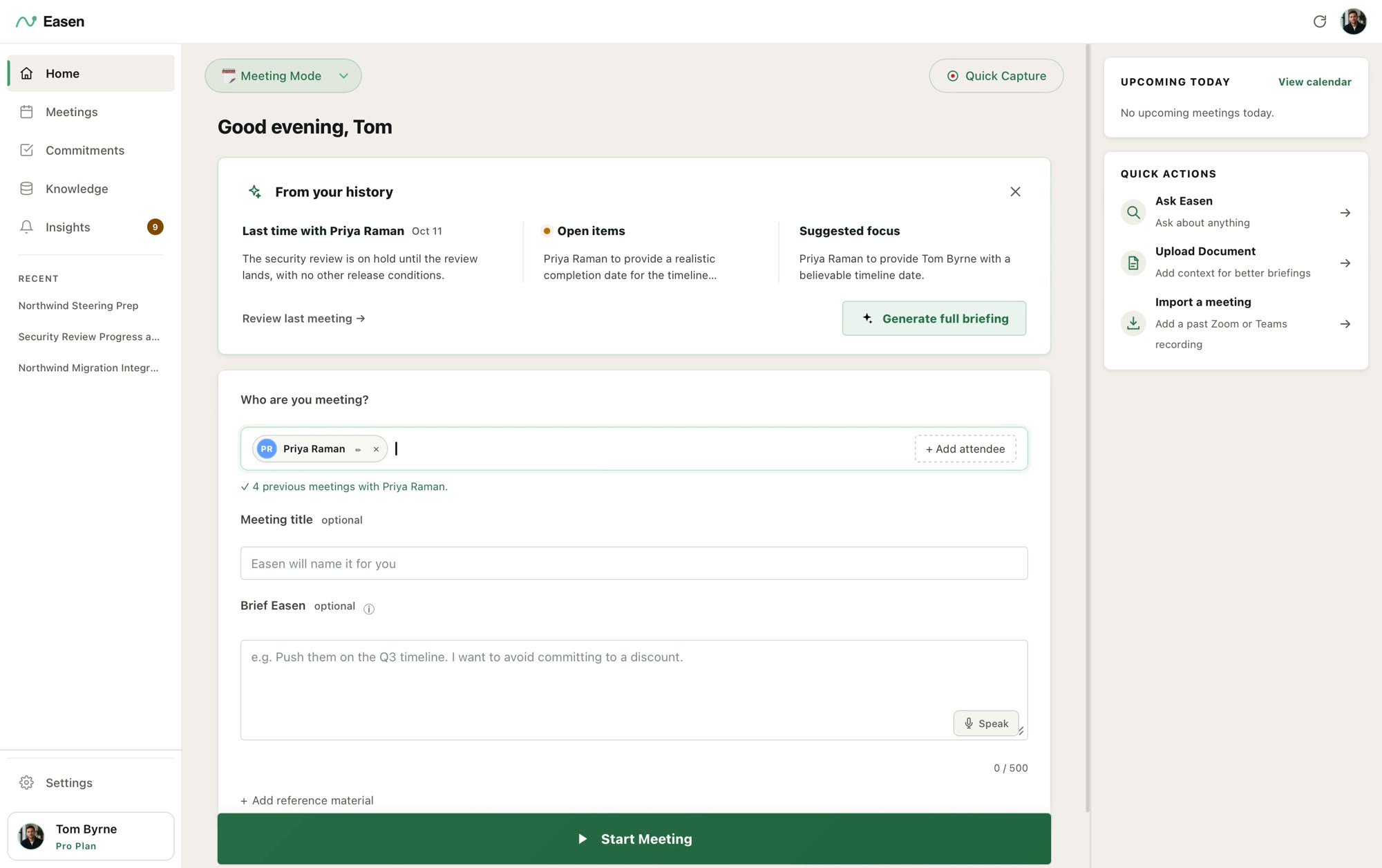
Just type a name.
Last time, the open items and a suggested focus, drawn from your own meetings with that person.
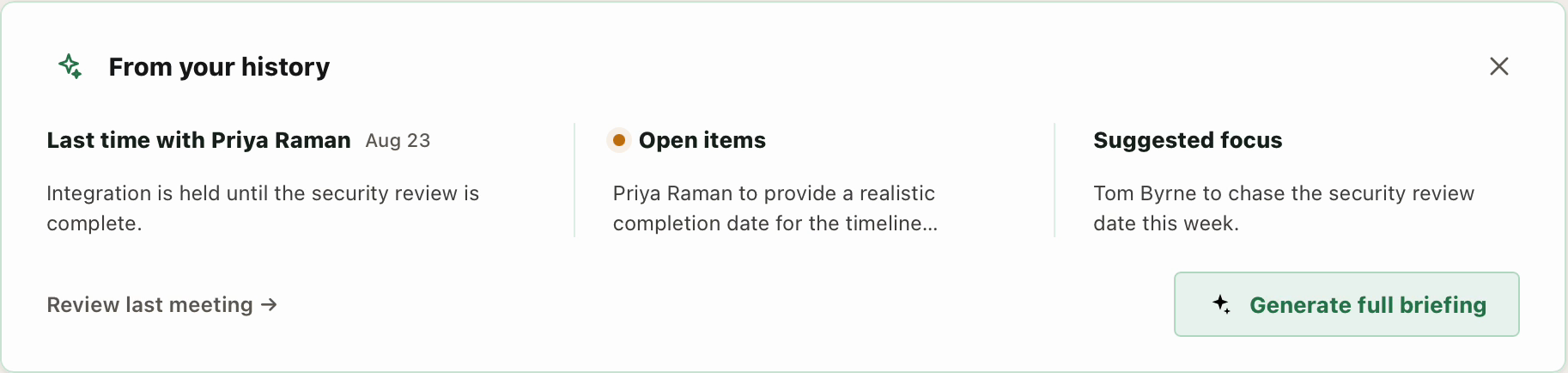
From your history
Last time, in three lines.
What was decided, what is still open on each side, and where to steer this conversation. Want more? Generate the full briefing.
Open on both sides
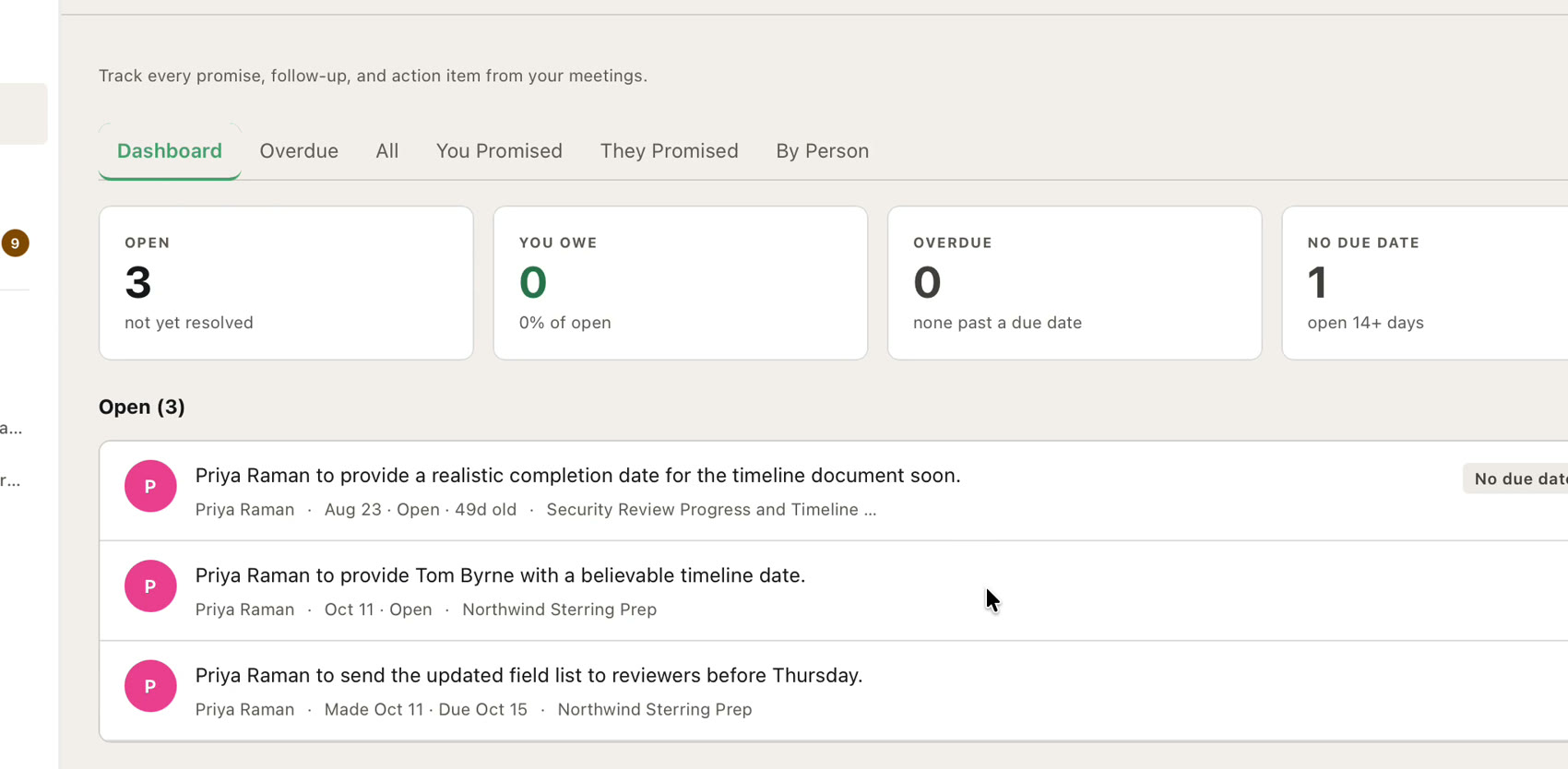
What you owe. What you're owed.
Commitments carry from one meeting to the next, so nothing you promised is forgotten and nothing promised to you slips.
The details
Ready before you are.
Knows your day
Connect Google or Microsoft calendar and today's meetings are waiting, with their attendees.
By person
History is kept per person, so a briefing is about them, not a pile of old meetings.
Bring your past
Import a Zoom or Teams recording or transcript, and Easen starts with a history.
A private brief
Tell Easen your goal for this meeting. It steers every suggestion, and nobody else sees it.
With your documentsProfessional
Attach reference material to a meeting and Easen uses it.
On every plan
Briefings are included on the free plan.
In practice
How it works
- 01
Add who you're meeting
Or let your calendar do it.
- 02
Read three lines
Last time, what's open, where to focus.
- 03
Go deeper if you want
Generate the full briefing for the meetings that matter.
- 04
Start the meeting
Easen carries the briefing into the call.
Next: Summaries and commitments
Decisions and promises, kept for you.
When you hang up, the summary is already written: what was decided, what you owe, and what you're owed.
Walk into your next meeting already knowing.
Free for 7 days. No card needed.